Meter Plate Mounting
If your water meter has a smooth, flat surface, you'll need to mount the wasserleser using the included metal plate with adhesive backing.
When to Use the Metal Plate
Use the metal plate when:
- Your water meter has a smooth, flat glass or plastic surface
- There is no indentation or mounting groove available
- The meter face is clean and dry

Installation Steps
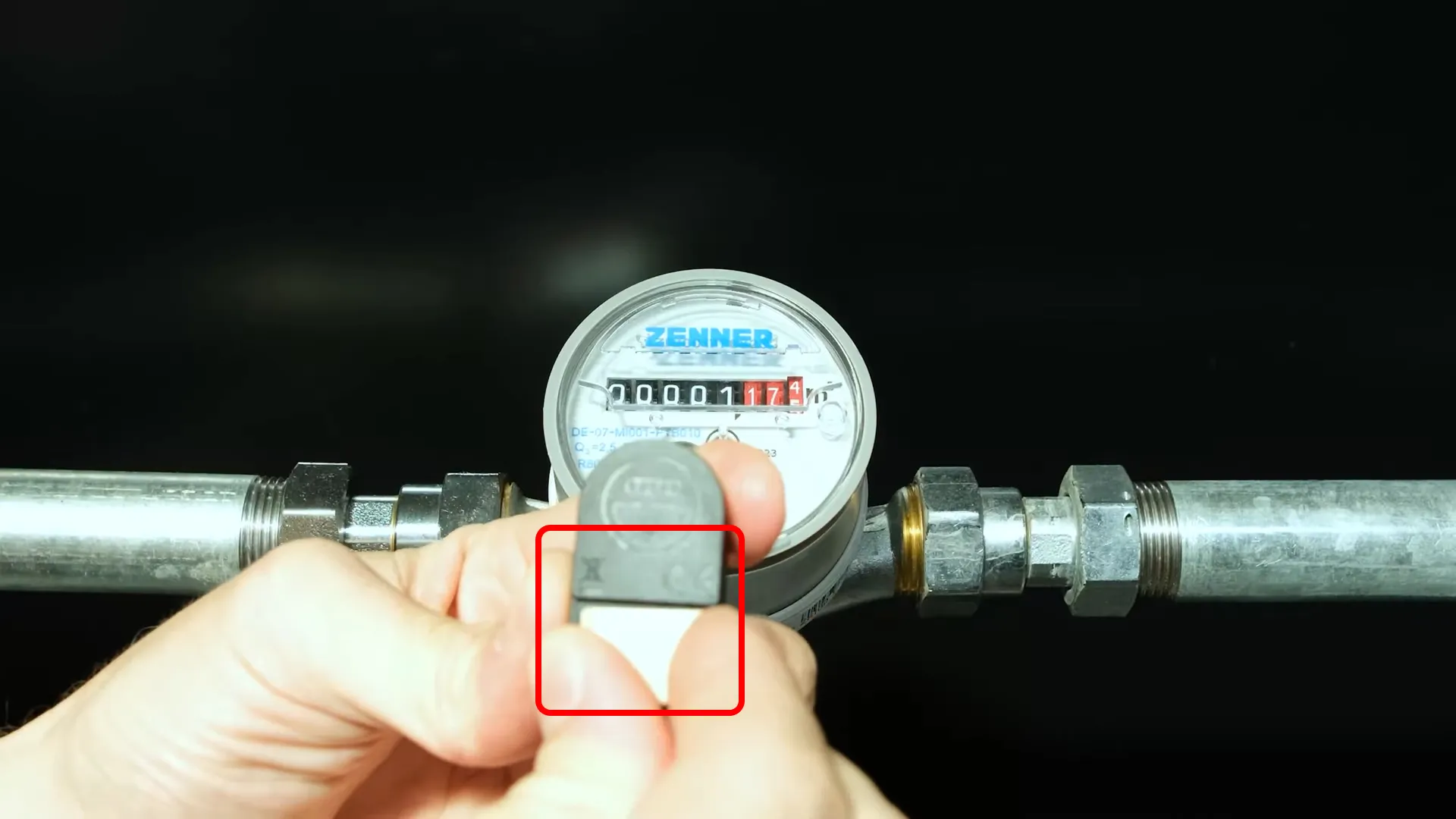
Step 1: Attach wasserleser
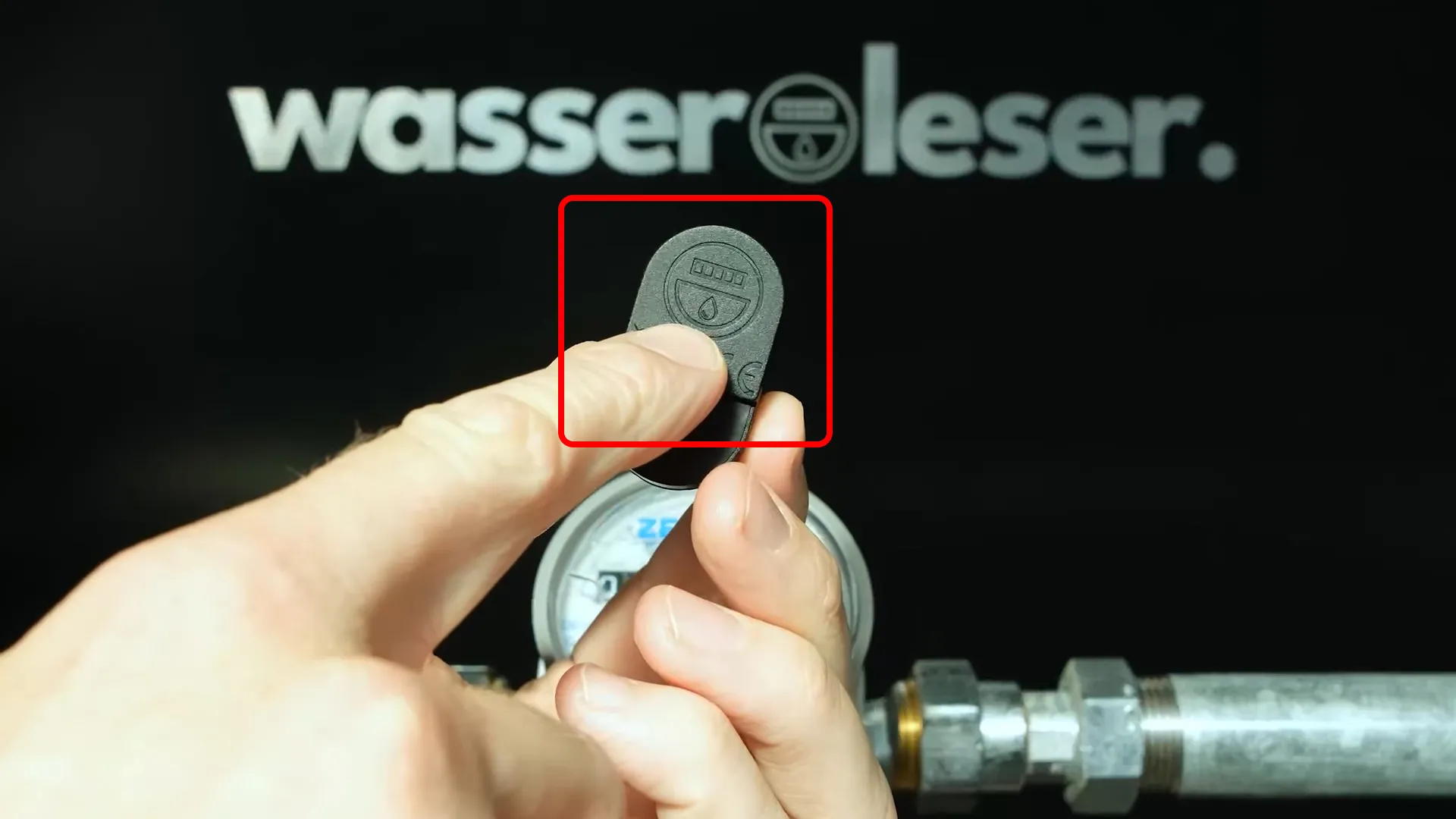
Attach the metal plate to the wasserleser before mounting it on the water meter.
Step 2: Position the wasserleser Sensor
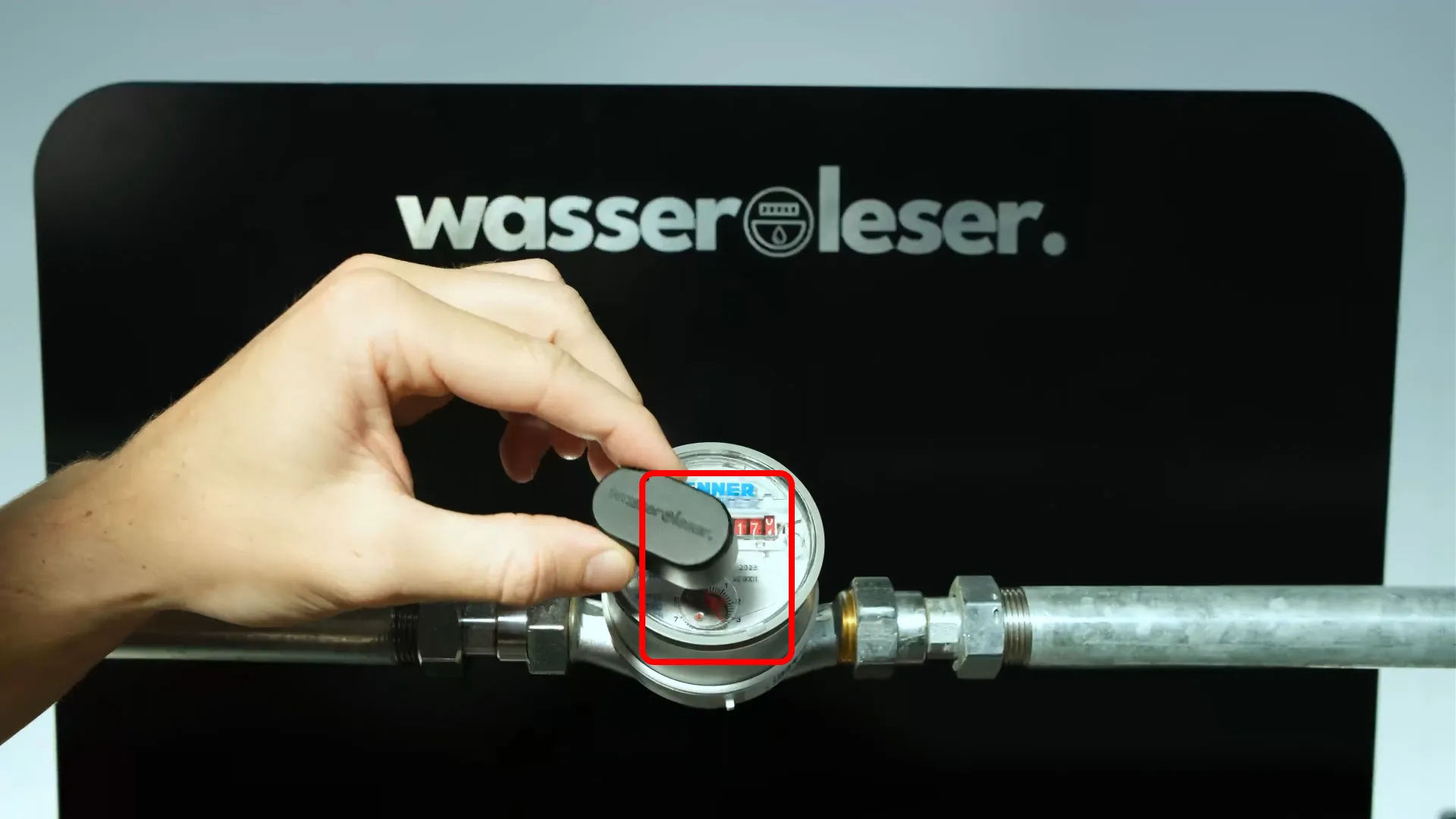
Position the wasserleser sensor so that:
- The sensor reading unit is positioned exactly above the rotating metal disc
This ensures that the pulses are precisely captured and water consumption is reliably measured.
Step 3: Attach wasserleser to Water Meter
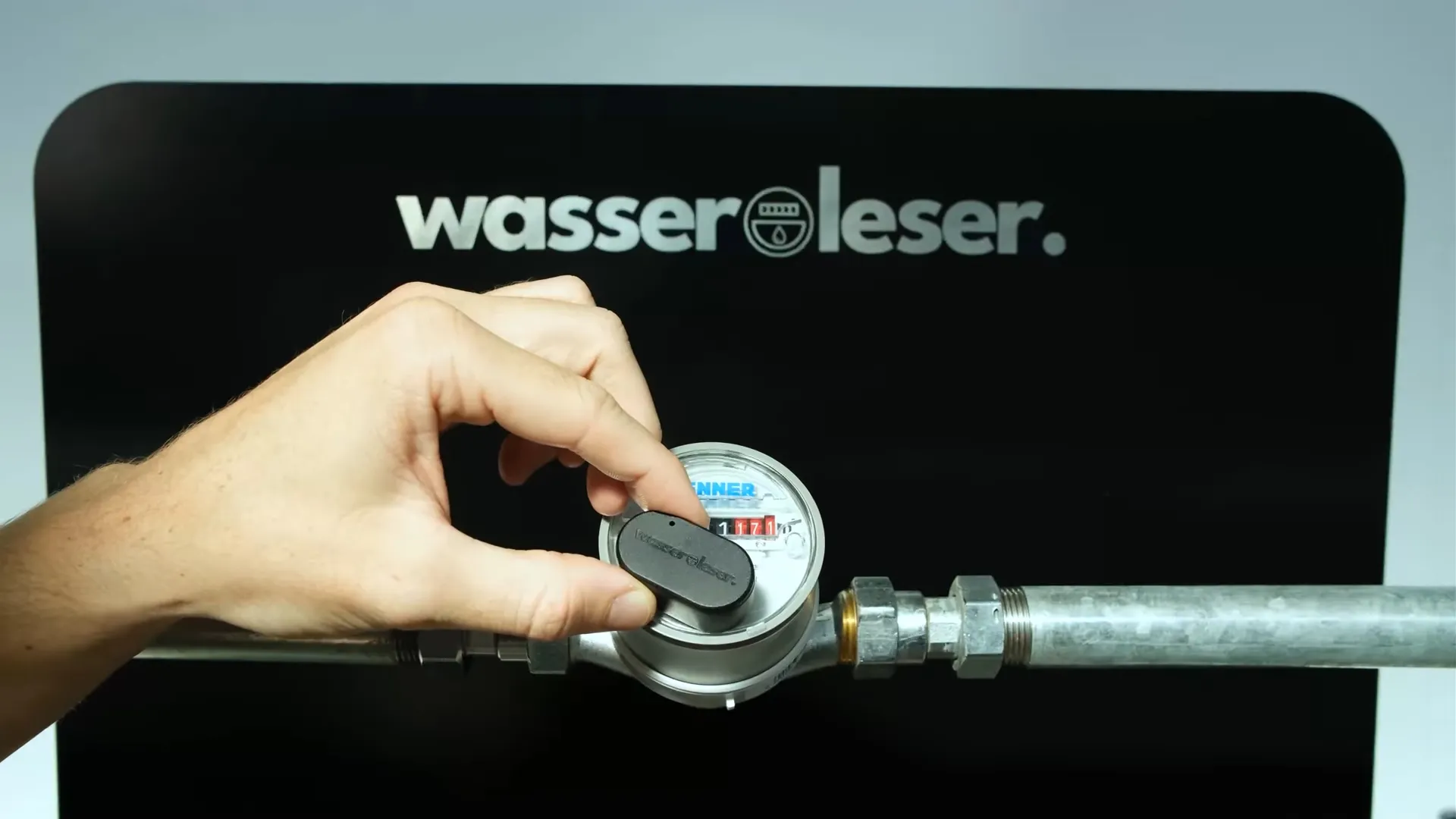
- Clean the water meter surface thoroughly
- Remove the adhesive backing from the wasserleser adhesive pad
- Carefully position and press the wasserleser onto the meter
- Apply firm, even pressure for 10-15 seconds
Important Notes
Precise Positioning
The sensor reading unit must be positioned exactly above the rotating metal disc. This is critical for accurate pulse detection and consumption measurement.
Surface Preparation
Ensure the meter surface is completely clean and dry before applying the adhesive. Any dust or moisture will reduce adhesion strength.
Next Steps
Once the metal plate is mounted:
- Connect Power - Connect the USB-C cable
- App Setup - Configure in the app