Power Connection
Your wasserleser requires a constant power supply through the included power adapter for operation.
Connecting the Power Adapter
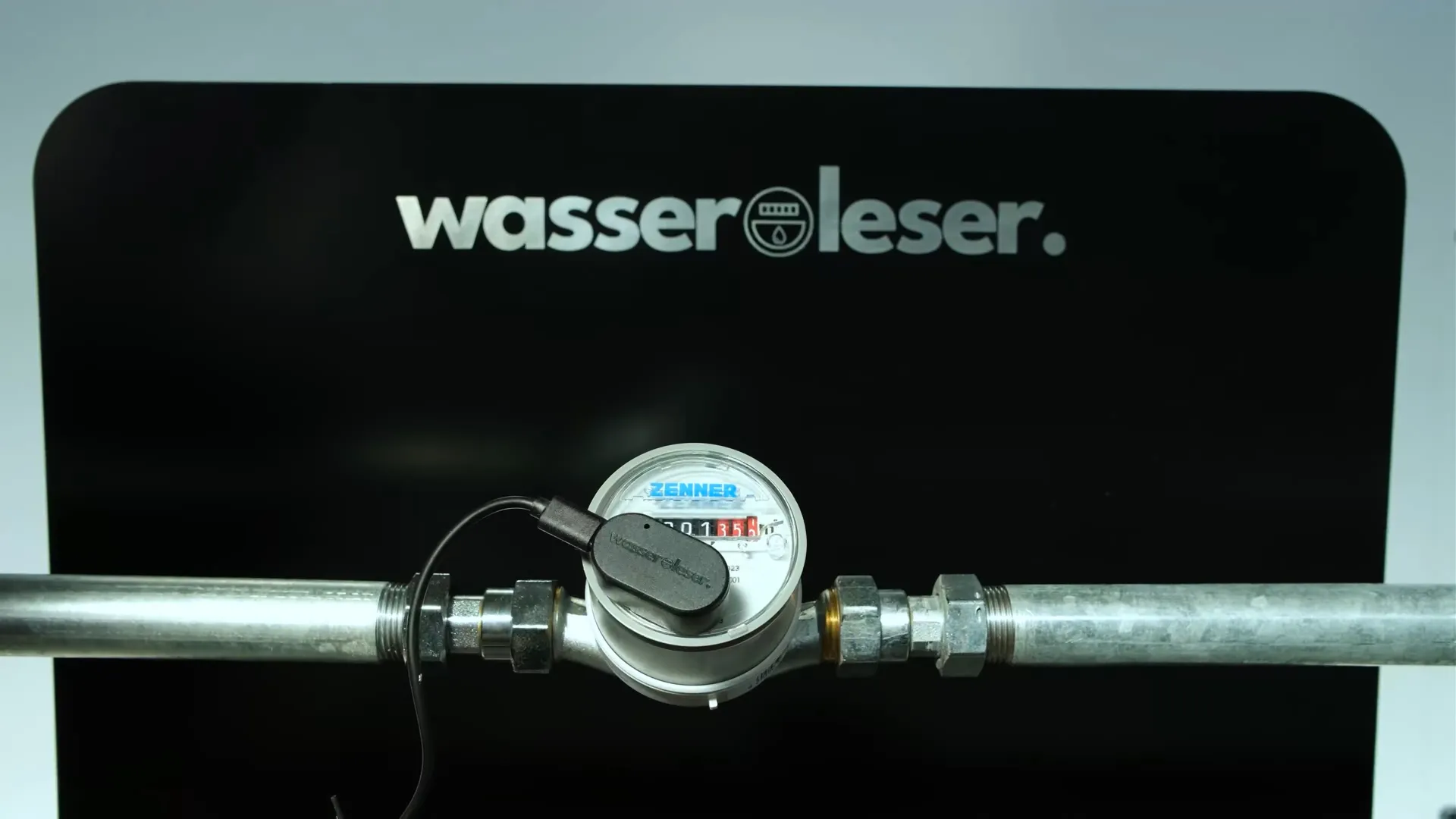
Step 1: Connect USB Cable to wasserleser
Connect the USB-C cable to your installed wasserleser.
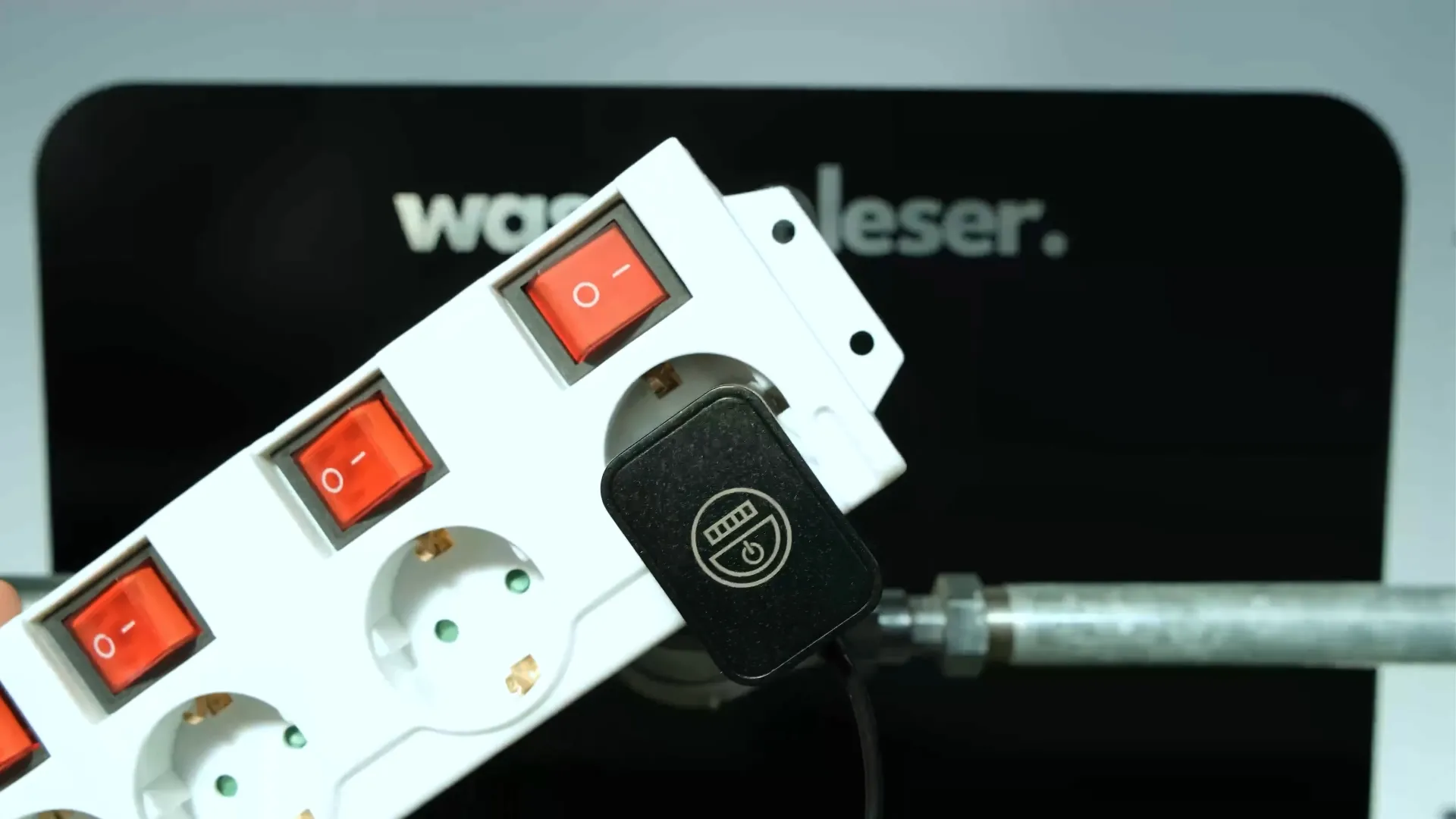
Step 2: Connect Power Adapter to Outlet
Connect the included power adapter to a suitable outlet near your water meter.
Checking Power Supply
After connecting, your wasserleser should:
- Turn on LED indicators
- Begin initialization
- Be ready for app connection
Power Supply
- Use only the included power adapter
- Ensure the power adapter is safely installed and protected from moisture
- The device should be continuously powered for optimal data collection
Important Note
Do not disconnect the device unnecessarily as this can lead to data loss and require recalibration.
Next Steps
Once power is connected, proceed with:
- App Setup - Connect the wasserleser to the app