Verification & Troubleshooting
Step 3: Save Script and Restart
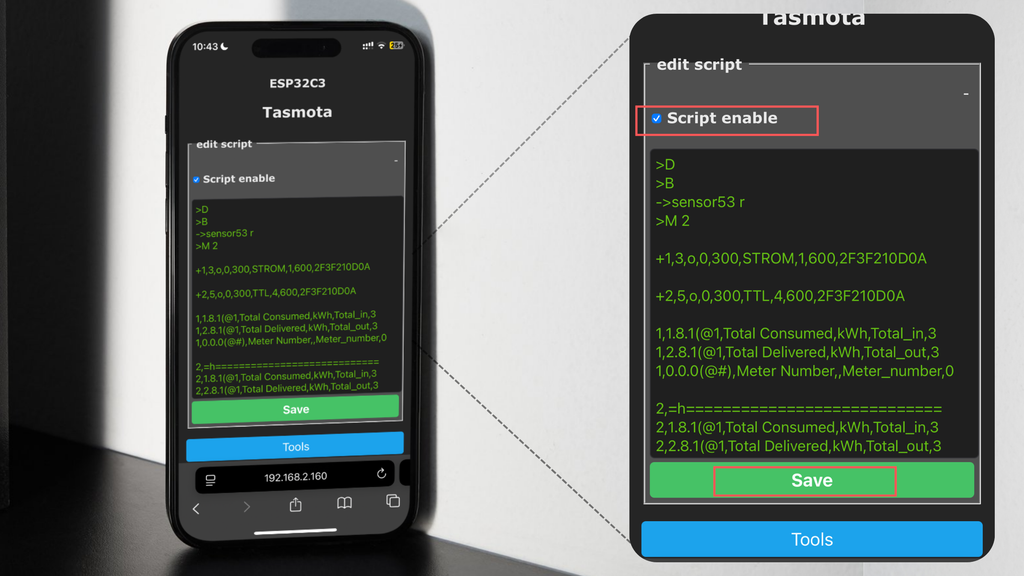
Save the customized script and select Restart from the main menu.
Step 4: Verify Values After Reboot
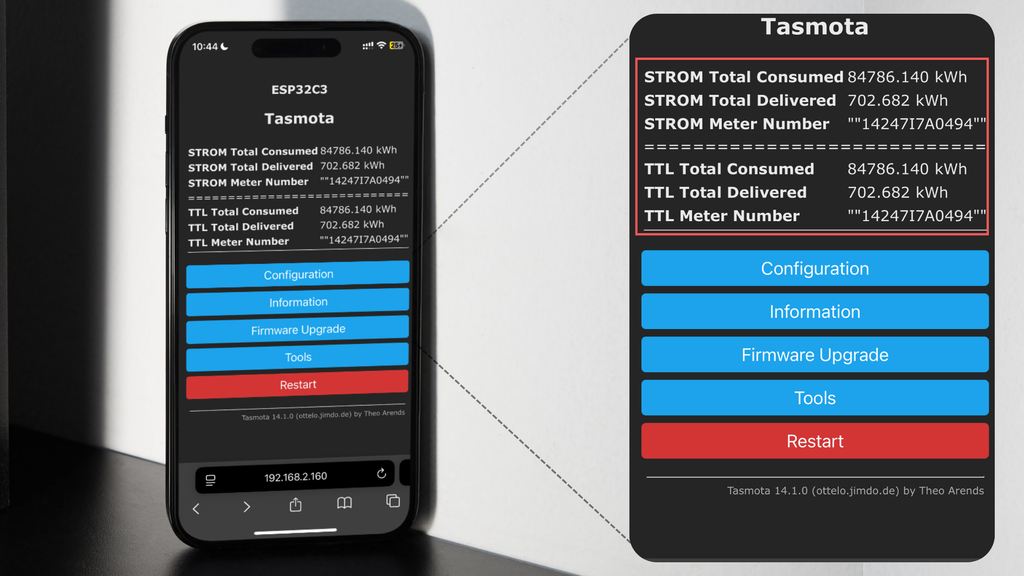
After reboot, all connected meters should be visible and updating their readings.
Live Monitoring
Your stromleser.tasmota 2 and the additional TTL heads are now working simultaneously, allowing real-time electricity usage monitoring and faster troubleshooting if values look off.