Multimeter setup
Step 2.2: Create the Combined Script for Two Meters
Combine individual scripts so Tasmota reads data from two meters (built-in read head + TTL1).
Update the Meter Count
>M 1
to
>M 2
(The number after M shows how many meters are connected — 2 for two meters.)
Add the Second Meter Line
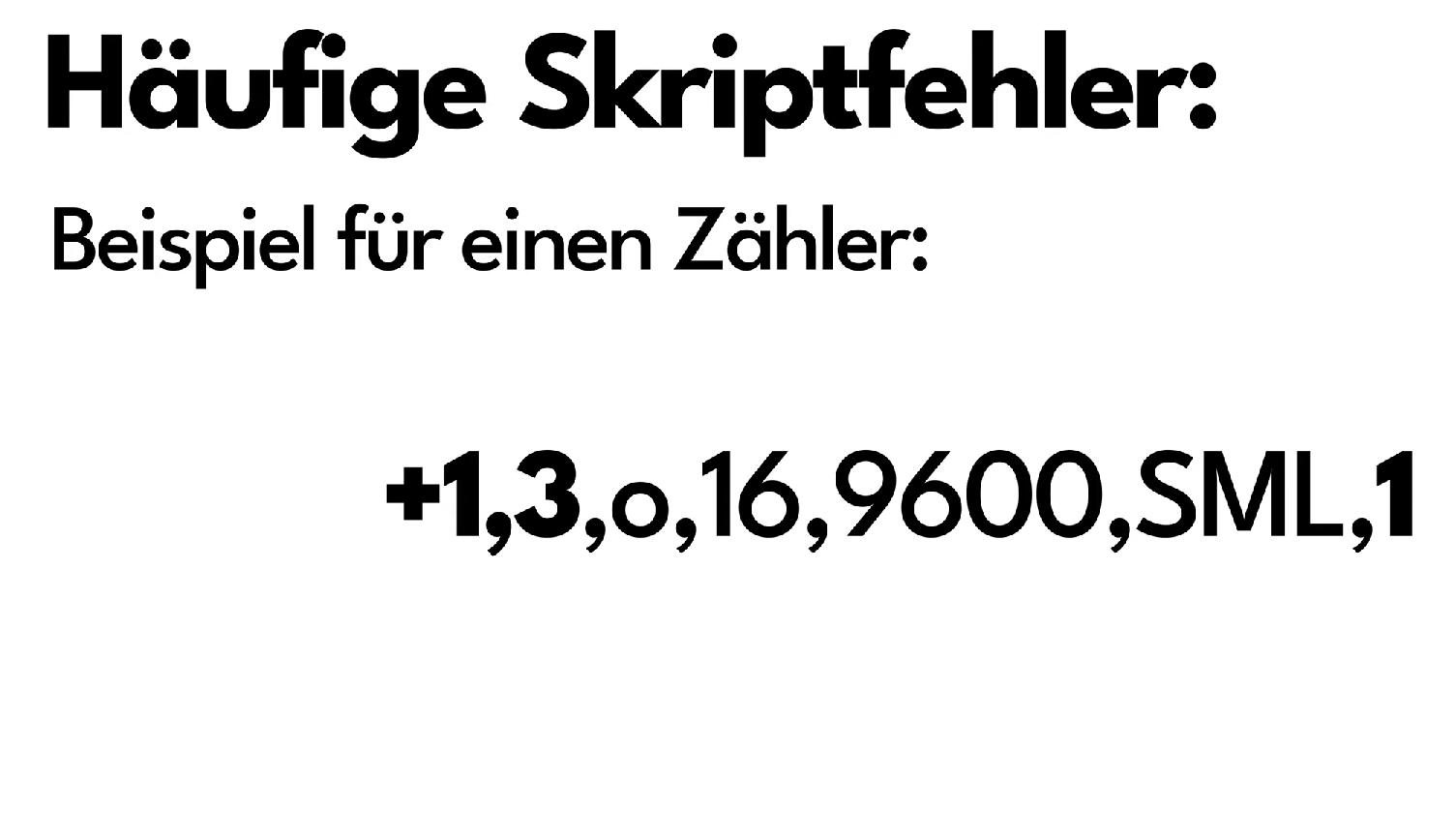
You already have this line for the first meter:
+1,3,s,16,9600,MT175,1
Add the line for the second meter on TTL1:
+2,5,s,16,9600,MT175,4
+2 = second meter, 5 = RX GPIO of TTL1 (IO5), 4 = TX GPIO of TTL1 (IO4).
Copy Data Lines and Adjust Meter Number
Copy first meter’s lines, change 1, → 2, and update names (e.g., E_in → E_in2).
2,77070100010800ff@1000,Verbrauch,kWh,E_in2,3
2,77070100020800ff@1D,Einspeisung,kWh,E_out2,3
2,77070100100700ff@1,akt. Leistung,W,Power2,0
Final Combined Script
>D
>B
->sensor53 r
>M 2
+1,3,s,16,9600,MT175,1
+2,5,s,16,9600,MT175,4
1,77070100010800ff@1000,Verbrauch,kWh,E_in,3
1,77070100020800ff@1000,Einspeisung,kWh,E_out,3
1,77070100100700ff@1,akt. Leistung,W,Power,0
2,=h--
2,77070100010800ff@1000,Verbrauch,kWh,E_in2,3
2,77070100020800ff@1D,Einspeisung,kWh,E_out2,3
2,77070100100700ff@1,akt. Leistung,W,Power2,0
#
Add a Third Meter on TTL2 (Optional)
The second TTL port lets you read a third meter. Proceed as above:
- Set the meter count to
>M 3. - Add the meter line for TTL2:
+3,-7,s,16,9600,MT175,6(RX GPIOIO7, TX GPIOIO6). - Copy the data lines, change
2,→3,and update the names (e.g., E_in2 → E_in3).
The minus sign in -7 enables software serial for this meter. The ESP only has a
limited number of hardware serial interfaces, and those are already taken by meters 1
and 2. The - makes Tasmota emulate the serial interface in software for the third
meter, so it can still be read.
>D
>B
->sensor53 r
>M 3
+1,3,s,16,9600,MT175,1
+2,5,s,16,9600,MT175,4
+3,-7,s,16,9600,MT175,6
1,77070100010800ff@1000,Verbrauch,kWh,E_in,3
1,77070100020800ff@1000,Einspeisung,kWh,E_out,3
1,77070100100700ff@1,akt. Leistung,W,Power,0
2,=h--
2,77070100010800ff@1000,Verbrauch,kWh,E_in2,3
2,77070100020800ff@1D,Einspeisung,kWh,E_out2,3
2,77070100100700ff@1,akt. Leistung,W,Power2,0
3,=h--
3,77070100010800ff@1000,Verbrauch,kWh,E_in3,3
3,77070100020800ff@1D,Einspeisung,kWh,E_out3,3
3,77070100100700ff@1,akt. Leistung,W,Power3,0
#
The stromleser.tasmota 2 has 2 TTL ports. Together with the built-in read head, you can read a maximum of 3 meters.
Next Step
After updating the script, continue with Verification & Troubleshooting.