Unlock electricity meter
Make sure your electricity meter is unlocked in extended mode so that the stromleser.one can read all values via the D0 optical interface.
Unlock meter in extended mode
There are two ways to unlock your electricity meter, depending on the meter model:
Option 1: With physical button (if available)
If your meter has a physical button, press it to activate extended mode.
Option 2: Via optical interface (PIN entry)
If your meter does not have a physical button, the PIN must be entered via the optical interface.
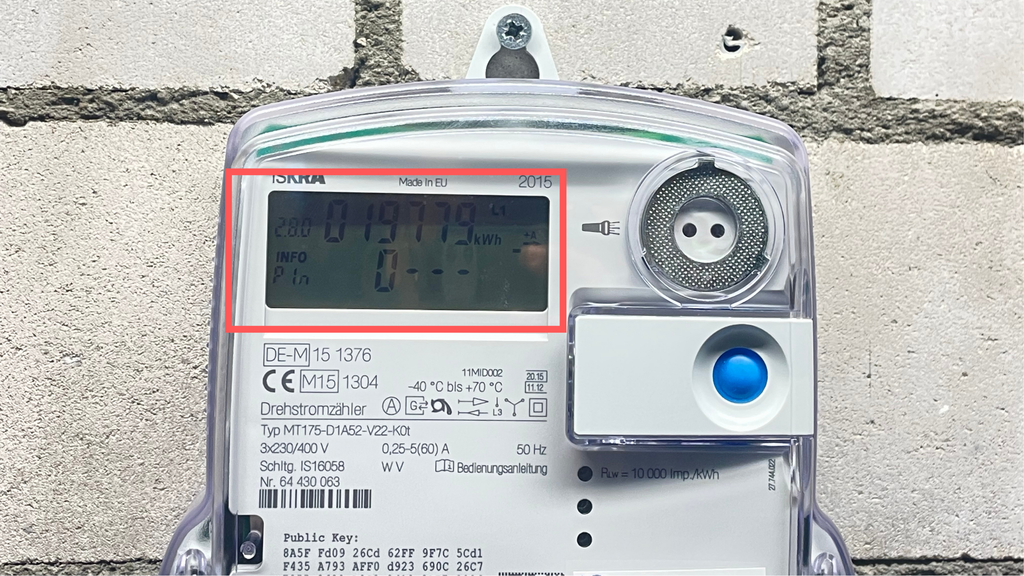
PIN entry via optical interface
The PIN can be entered either with a torch or a PIN app.
To activate with a torch, point it at the light sensor/diode for a few seconds.
Each light pulse corresponds to a digit (e.g. 5 pulses = digit 5).
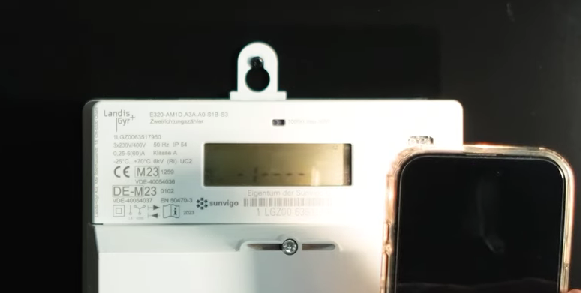
Activate information interface (INF on ON)
Make sure the information interface (INF) is set to ON. If INF is OFF, some values will be displayed as zero and the stromleser.one cannot read all data.
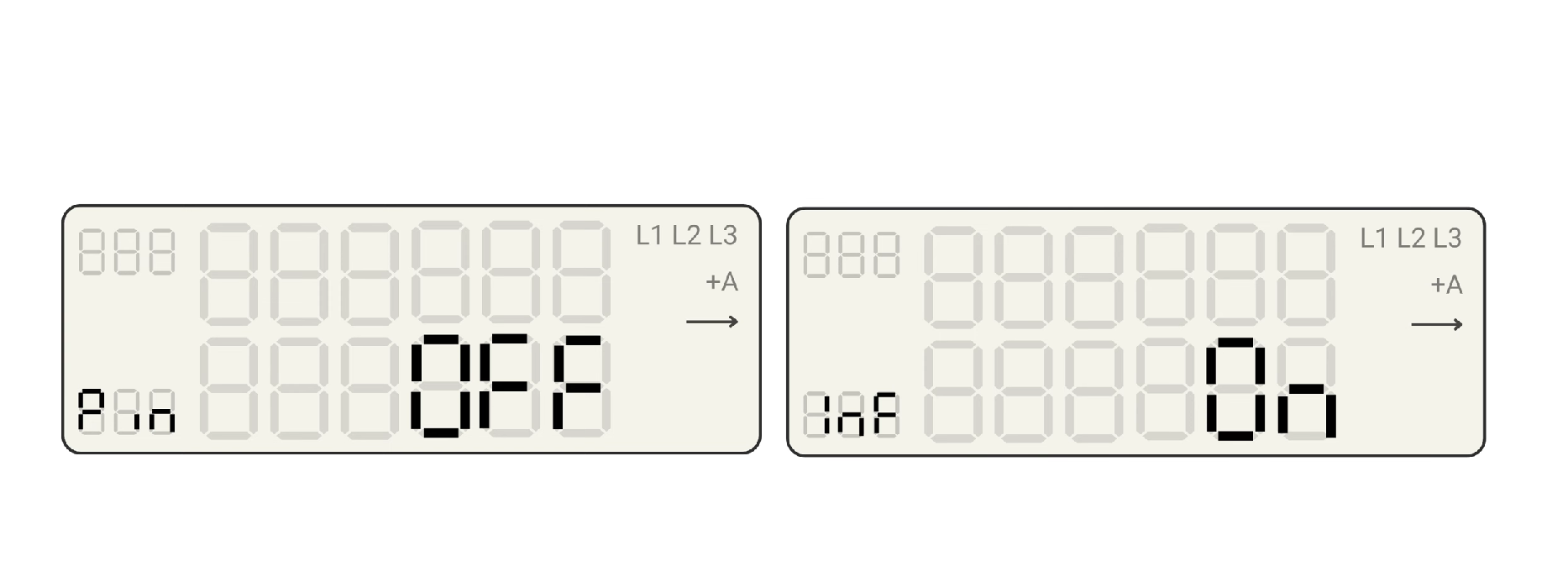
PIN option on OFF (on some meters)
On some meters, the PIN option must be set to OFF to allow continuous readings.
Next step
After preparation, you can continue with Physical installation.