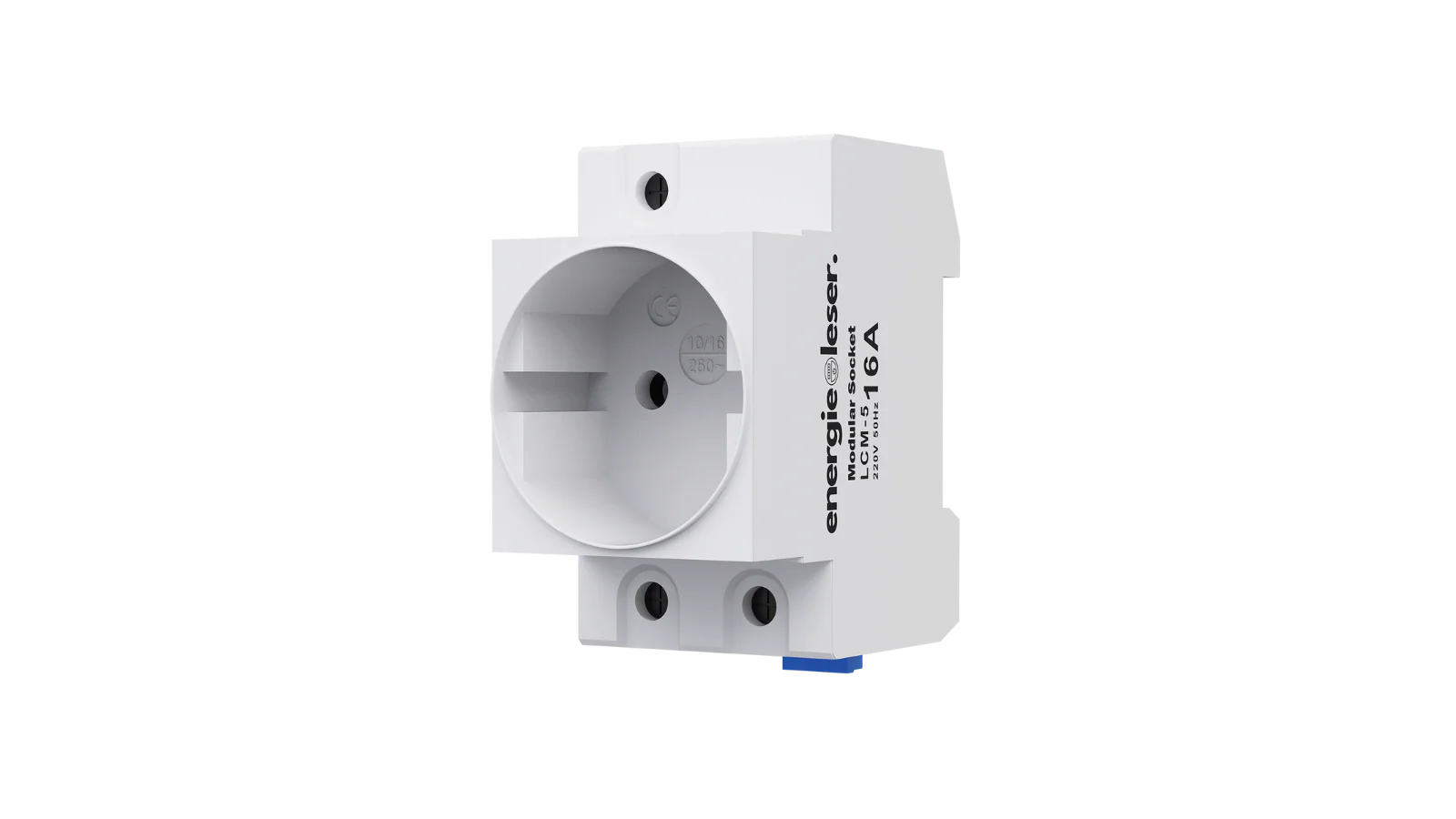
Power Supply
Powering your stromleser.one is usually very simple and takes only a few minutes.
1. Prepare the power adapter
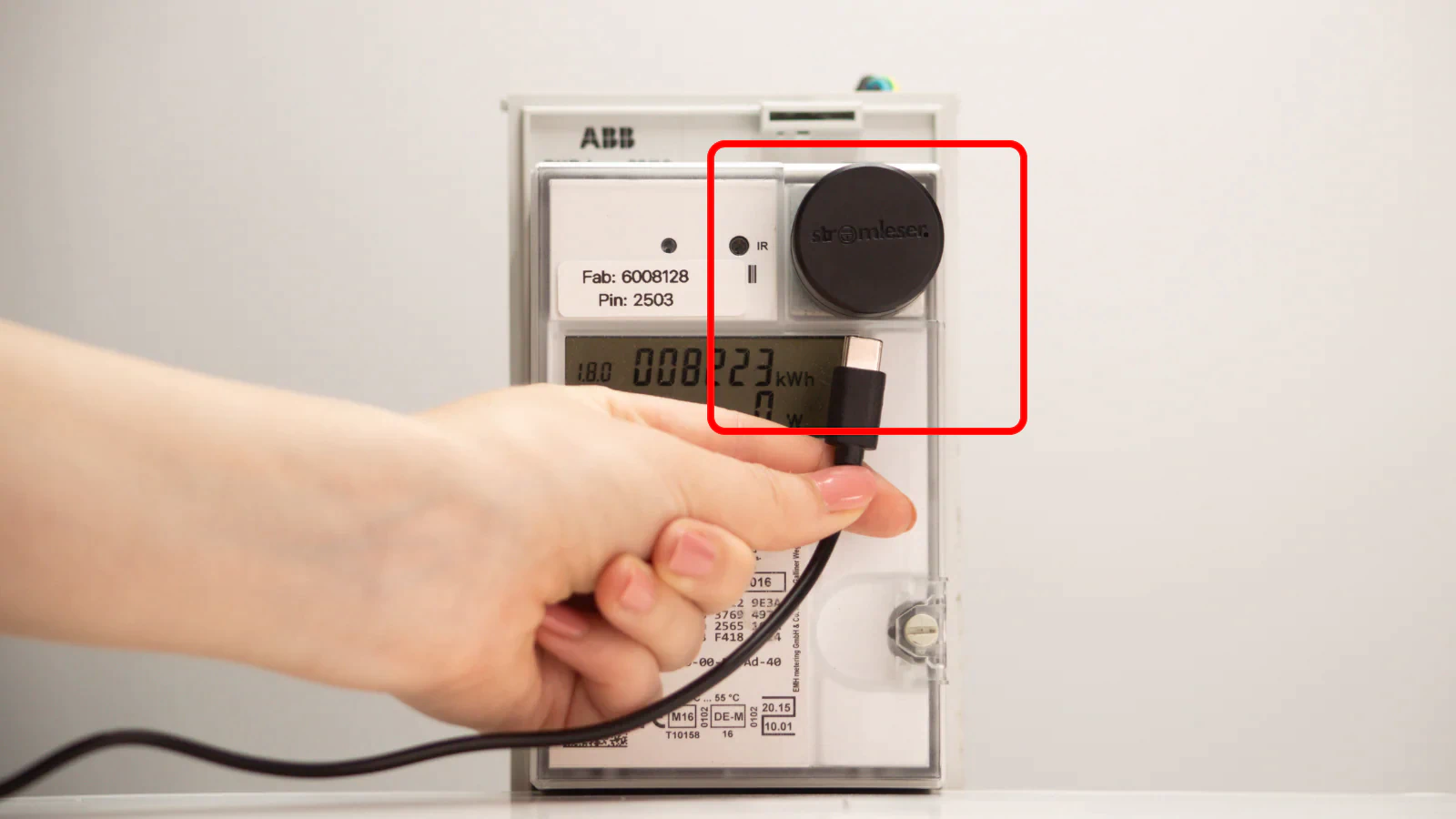
- One end of the included power adapter has a USB-C connector
- Plug the USB-C connector into the stromleser.one as shown in the image
2. Connect power adapter
- Plug the other end of the cable into the power adapter plug
- Then connect the power adapter plug to a nearby power outlet
- As soon as the stromleser.one receives power, the LED will start flashing blue
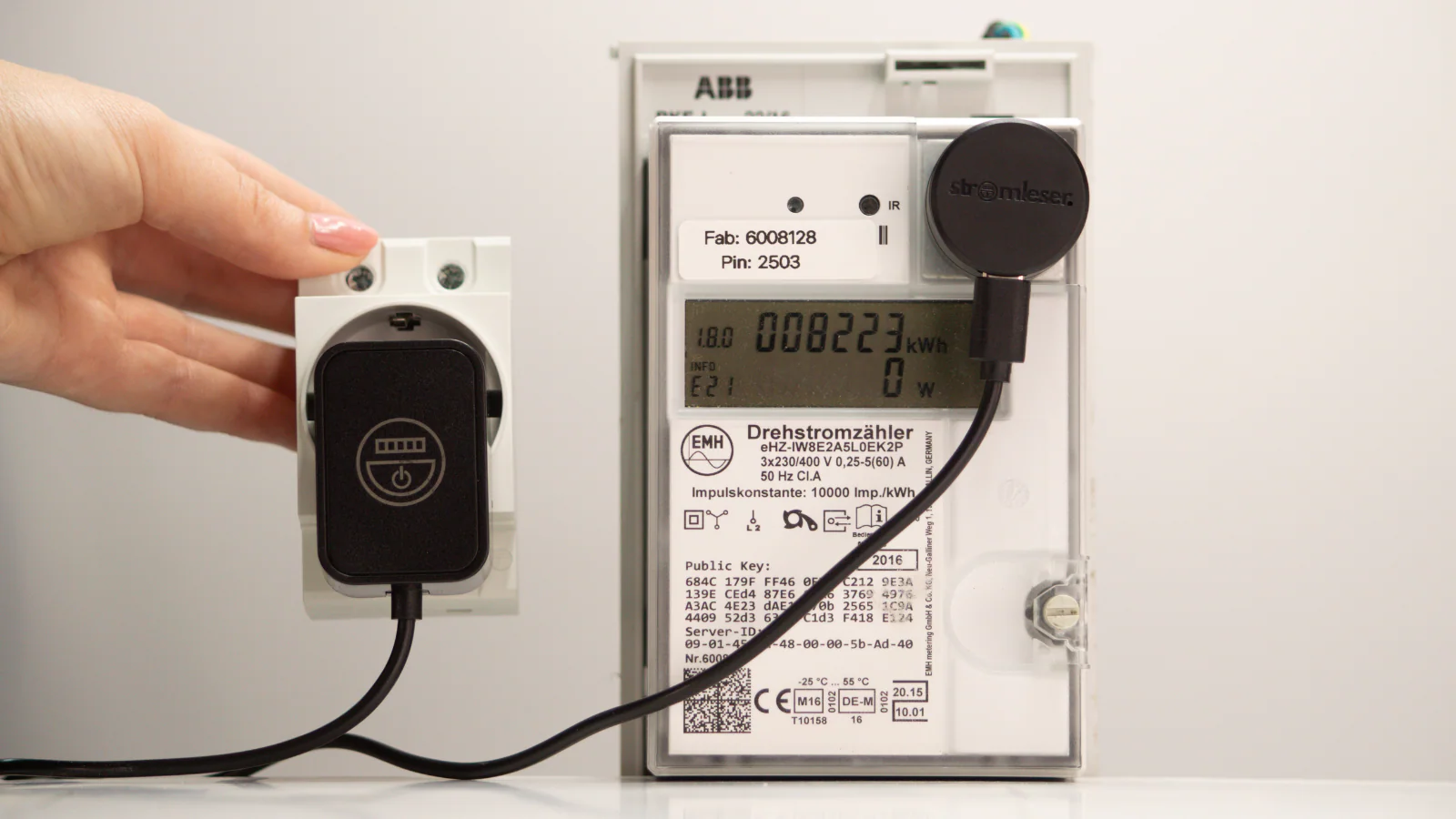
No outlet nearby?
If there is no power outlet near your electricity meter:
- We recommend the Energieleser DIN rail socket
- Can be installed directly on the DIN rail by a qualified electrician
- Reliably powers your stromleser.one
- Buy here: 👉 DIN rail socket