wassersensor.reed
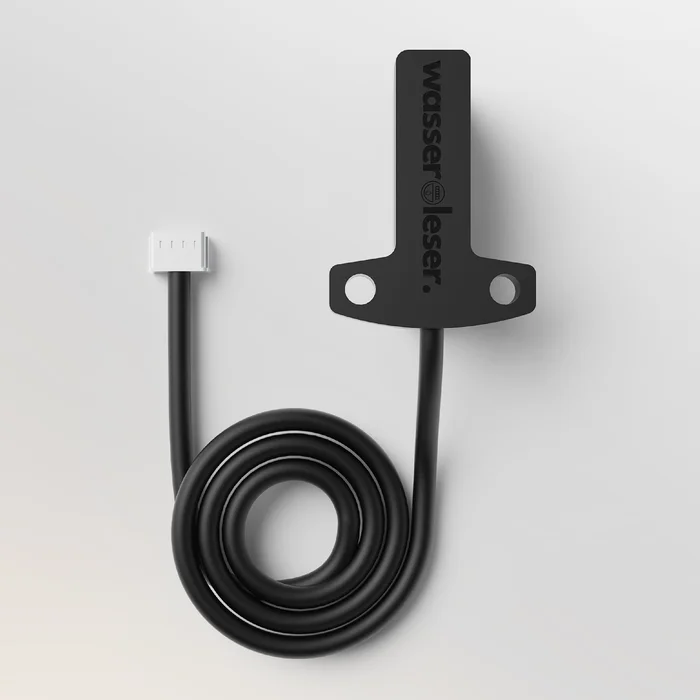
The wassersensor.reed is suited for retrofitting Zenner meters. You connect it to the Node with a cable and insert it into the meter.
Recommendation for connecting
Connect the wassersensor.reed to Port 3 or 4 of the Node if possible. Any port works, but Ports 3 + 4 extend the battery life.
Is this the right sensor?
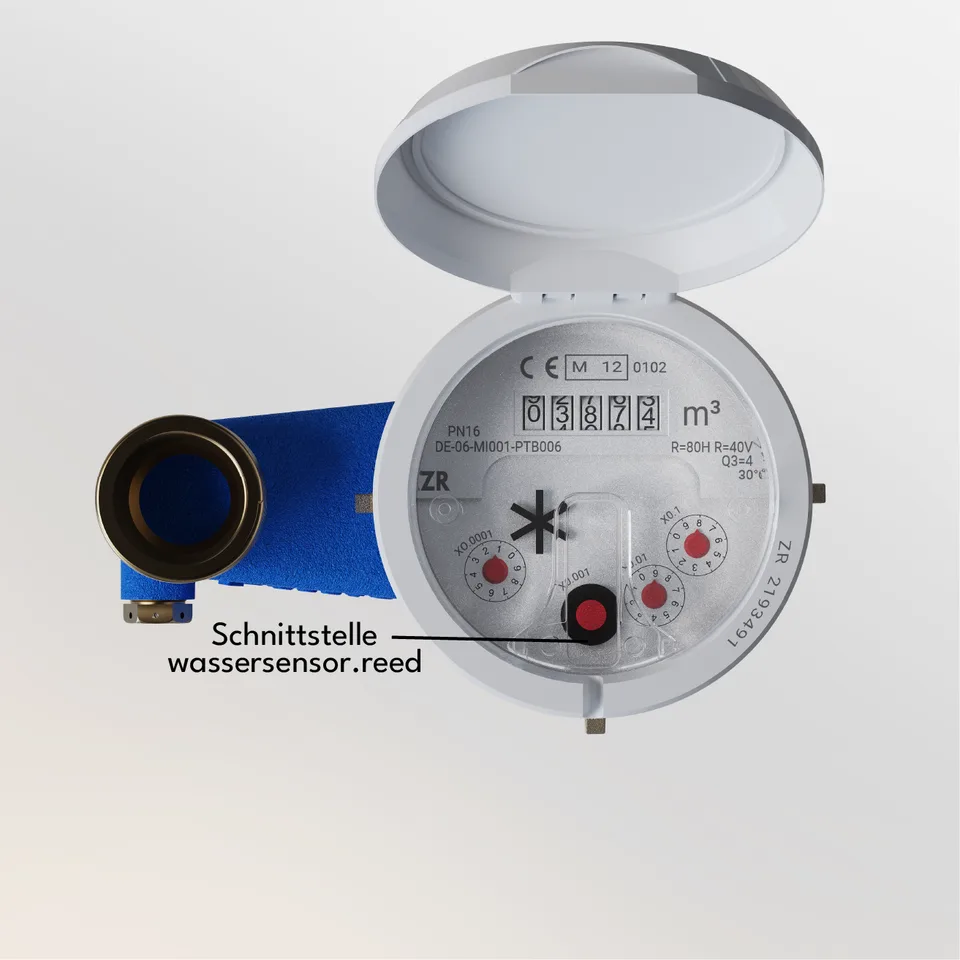
The wassersensor.reed is suited for retrofitting Zenner meters. The marked spot shows the interface you place the sensor on.
Not sure whether your meter fits?
Check your meter model in the compatibility list at energieleser.de.
Connecting and attaching the sensor
1. Connecting the sensor to the Node
Plug the sensor's cable into a port of the Node – preferably Port 3 or 4, which gives the longest battery life. You can find which ports are possible for which sensor under Connecting Sensors to the Node.

2. Attaching the sensor to your meter's interface
Next step
Once all sensors are connected and attached, continue with Attaching the Node.