Pairing the Bridge
- Open the app. Open the Energieleser app and log in with your profile.
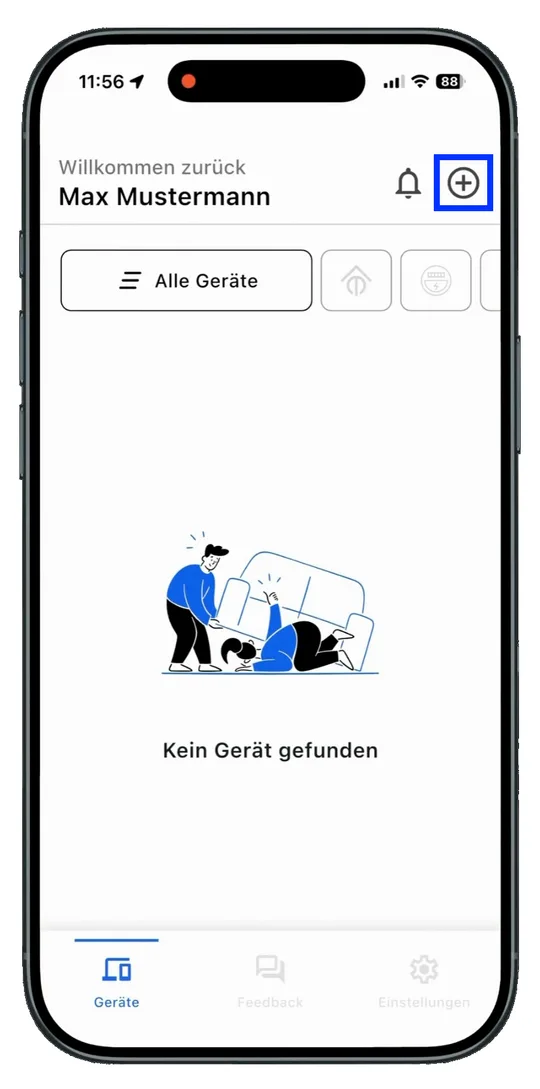
- Add a device. Tap the plus to add a new device.
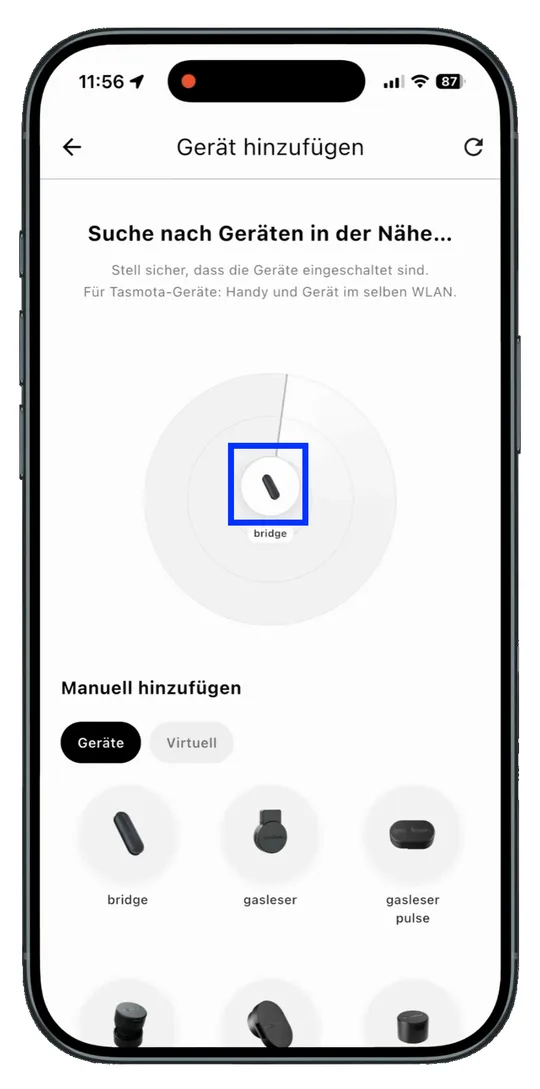
- Select the Bridge. As soon as the Bridge appears in the search, select it.
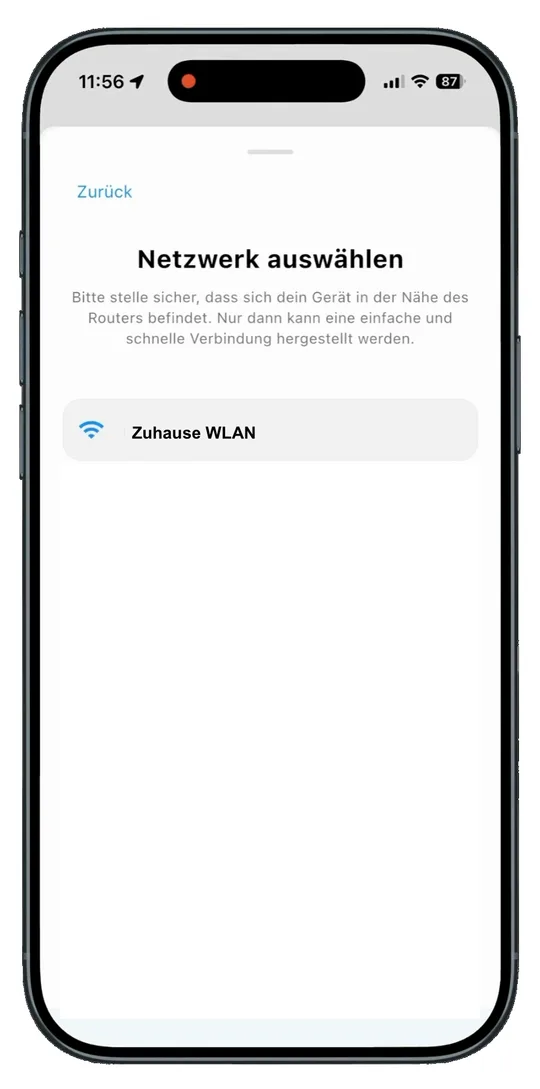
- Enter your WiFi credentials. In the next step, enter your WiFi credentials.
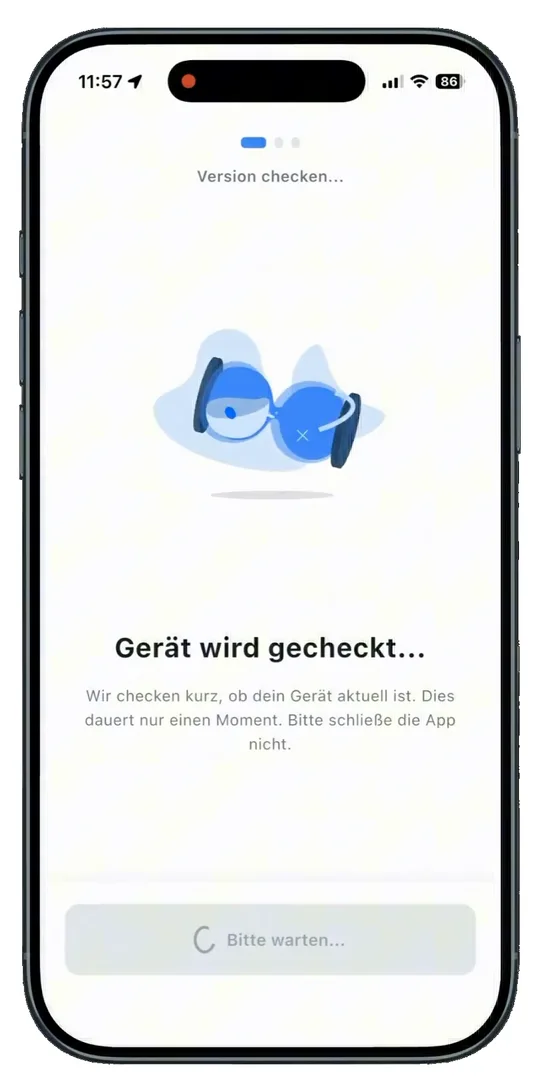
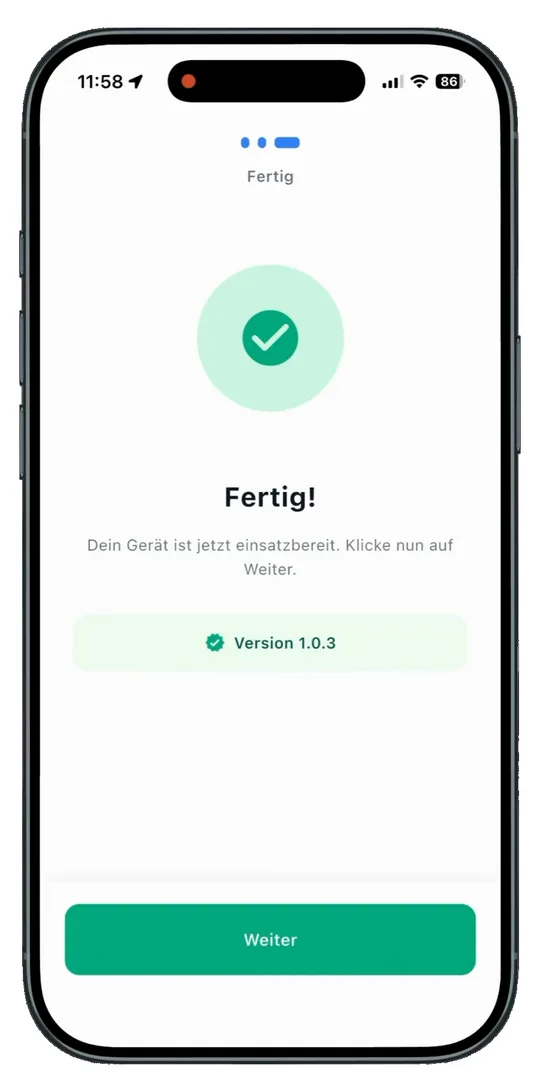
- Check the connection. Once the Bridge is connected successfully, you will find it on the home screen of your app.
Next step
Continue with Adding Devices.