Create Account
This guide applies to all energy reader devices: stromleser.tasmota, stromleser.one, Gasleser and wasserleser.
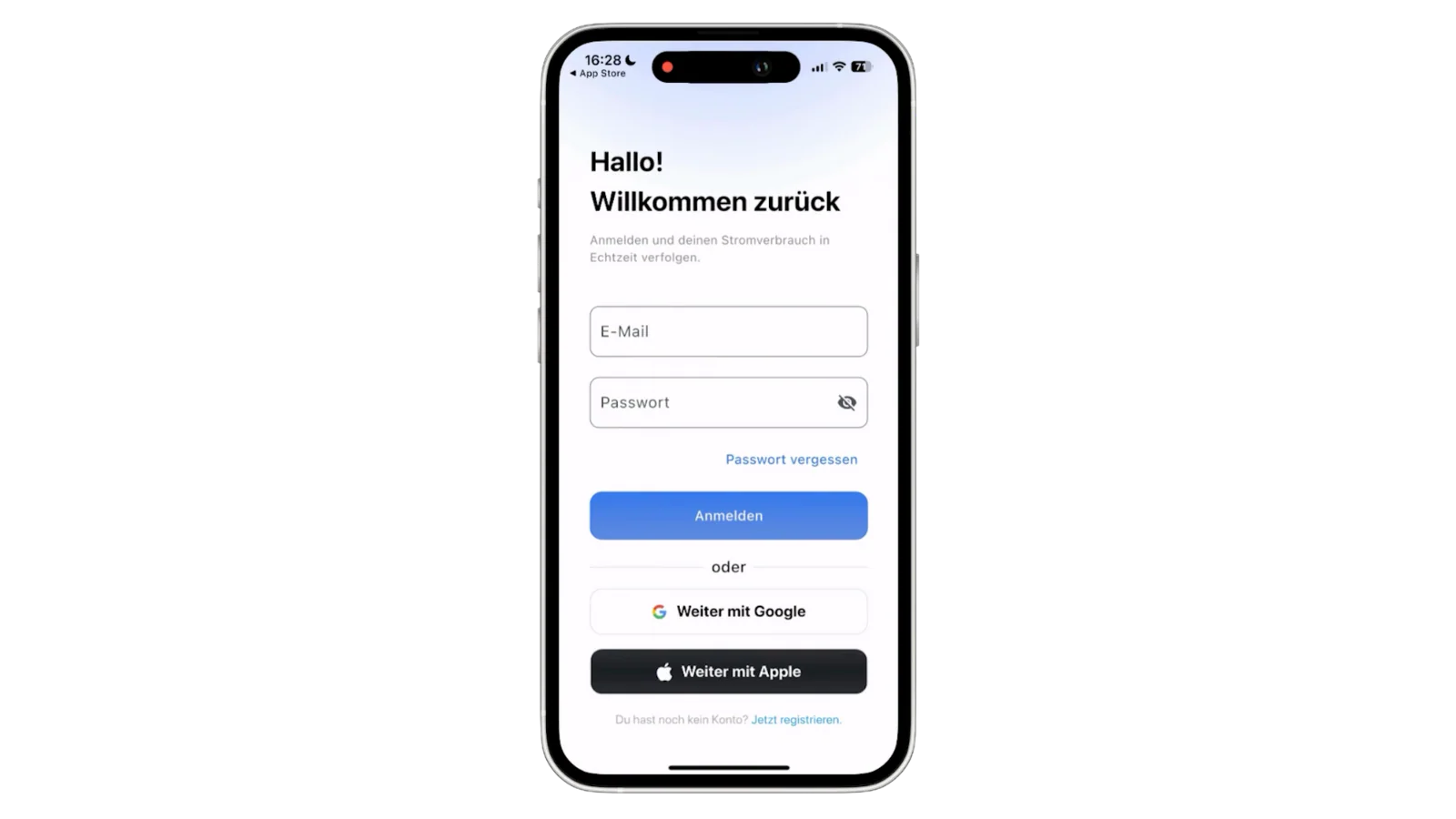
Step 1: Login or register
After opening the app, you will be redirected to the login page. If you don't have an account yet, tap on "Create new account".
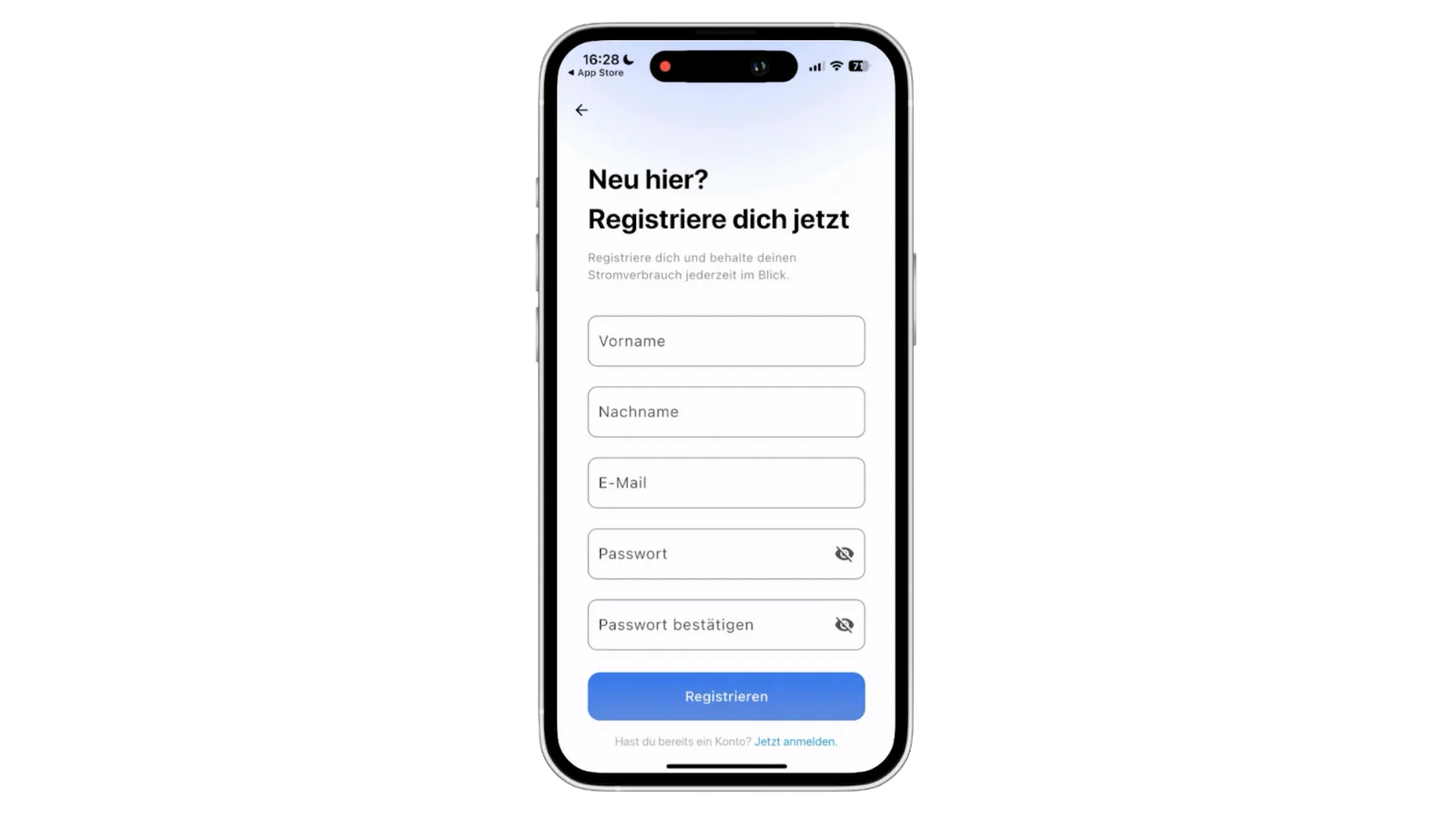
Step 2: Create new account
Enter your email address and a secure password to create your new account.
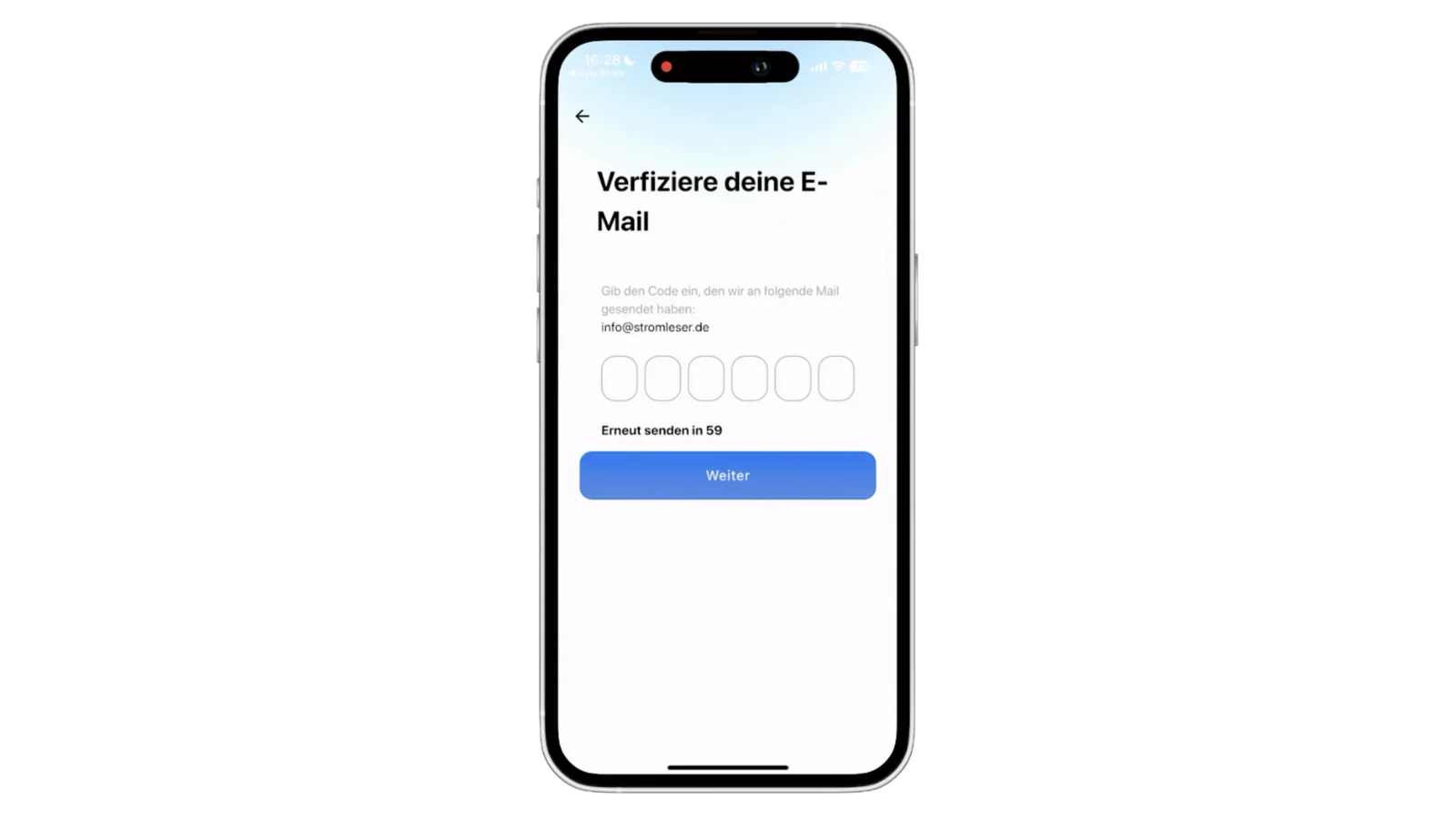
Step 3: Email verification
You will receive an email with a verification code. Enter this code in the app to verify your account.