Power Connection
Your Gasleser requires a constant power supply through the included power adapter for operation.
Connecting the Power Adapter
Step 1: Connect Power Adapter to Outlet
Connect the included power adapter to a suitable outlet near your gas meter.
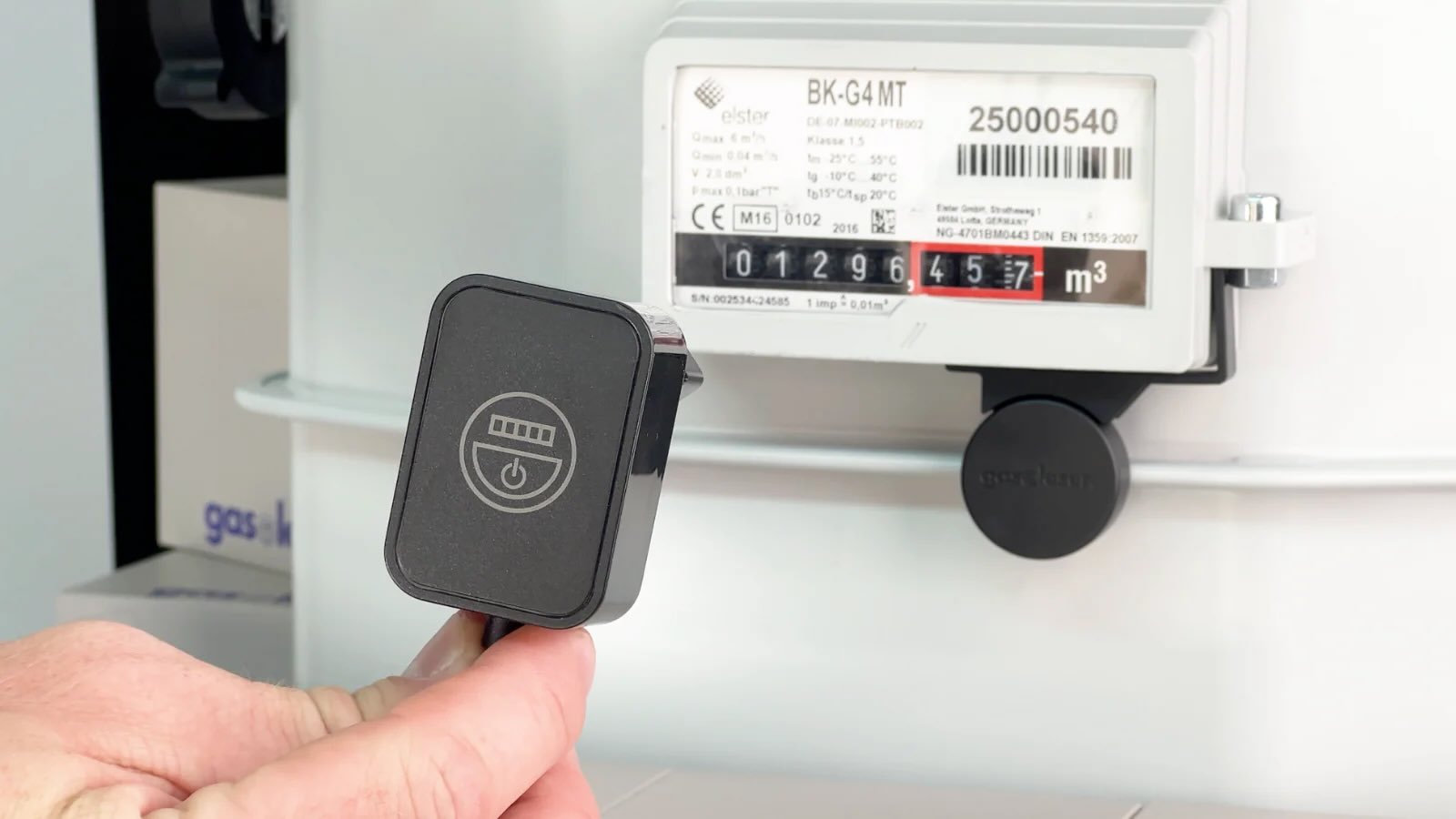
Step 2: Connect USB Cable to Gasleser
Connect the USB cable from the power adapter to your installed Gasleser.
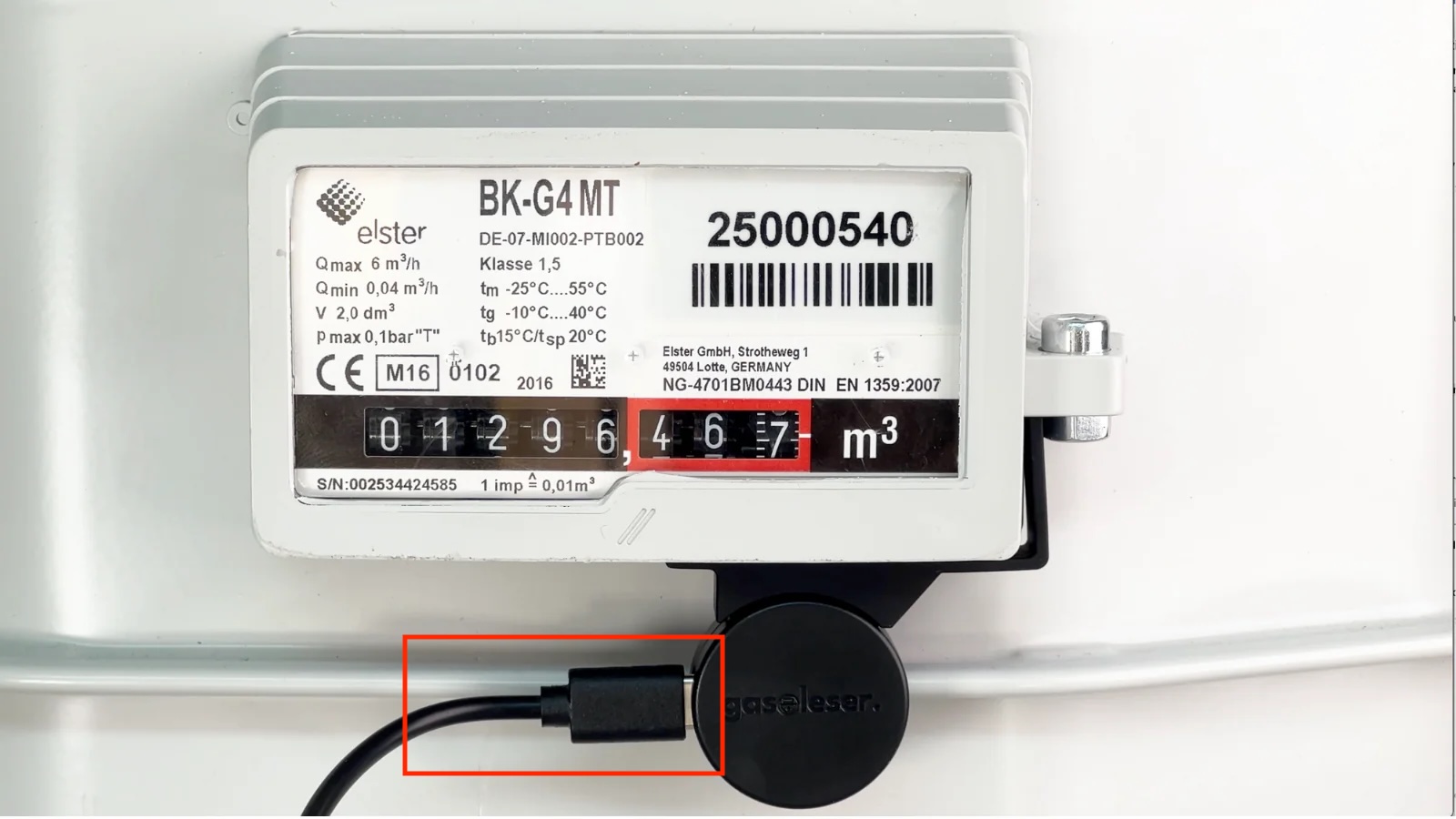
Checking Power Supply
After connecting, your Gasleser should:
- Turn on LED indicators
- Begin data collection
- Appear in your WiFi network (during initial setup)
Power Supply
- Use only the included power adapter
- Ensure the power adapter is safely installed and protected from moisture
- The device should be continuously powered for optimal data collection
Important Note
Do not disconnect the device unnecessarily as this can lead to gaps in data collection.